Data table: After 10,000 rows
Every year, the average worker loses $4,300 fixing spreadsheet errors. Not from bad decisions or market shifts. From a text field that accepted the wrong input. A copy-paste that went one row too far. A filter that nobody remembered to reset.
Data tables are where work actually happens. And almost nobody has designed one that takes that seriously.

Background
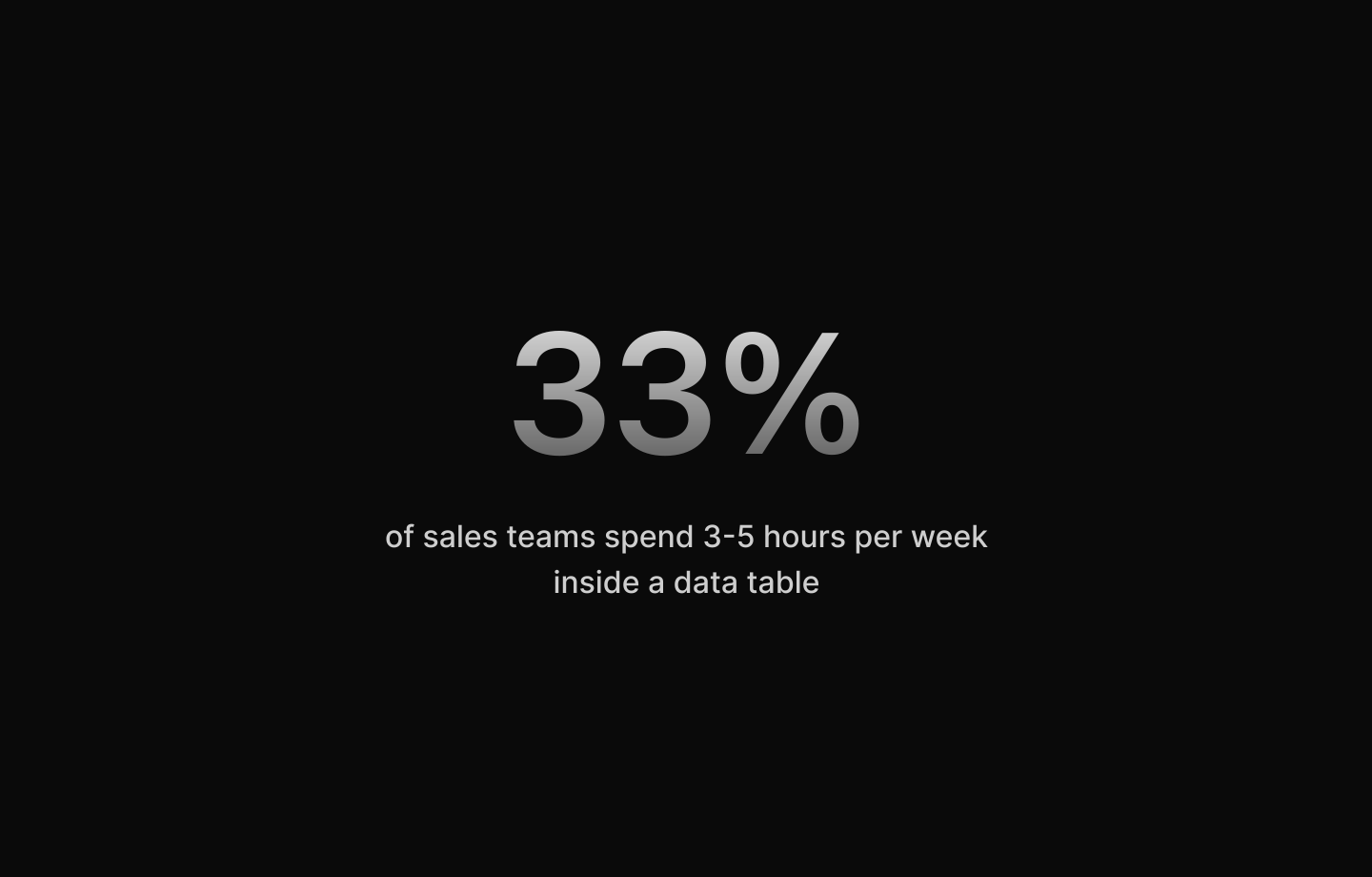
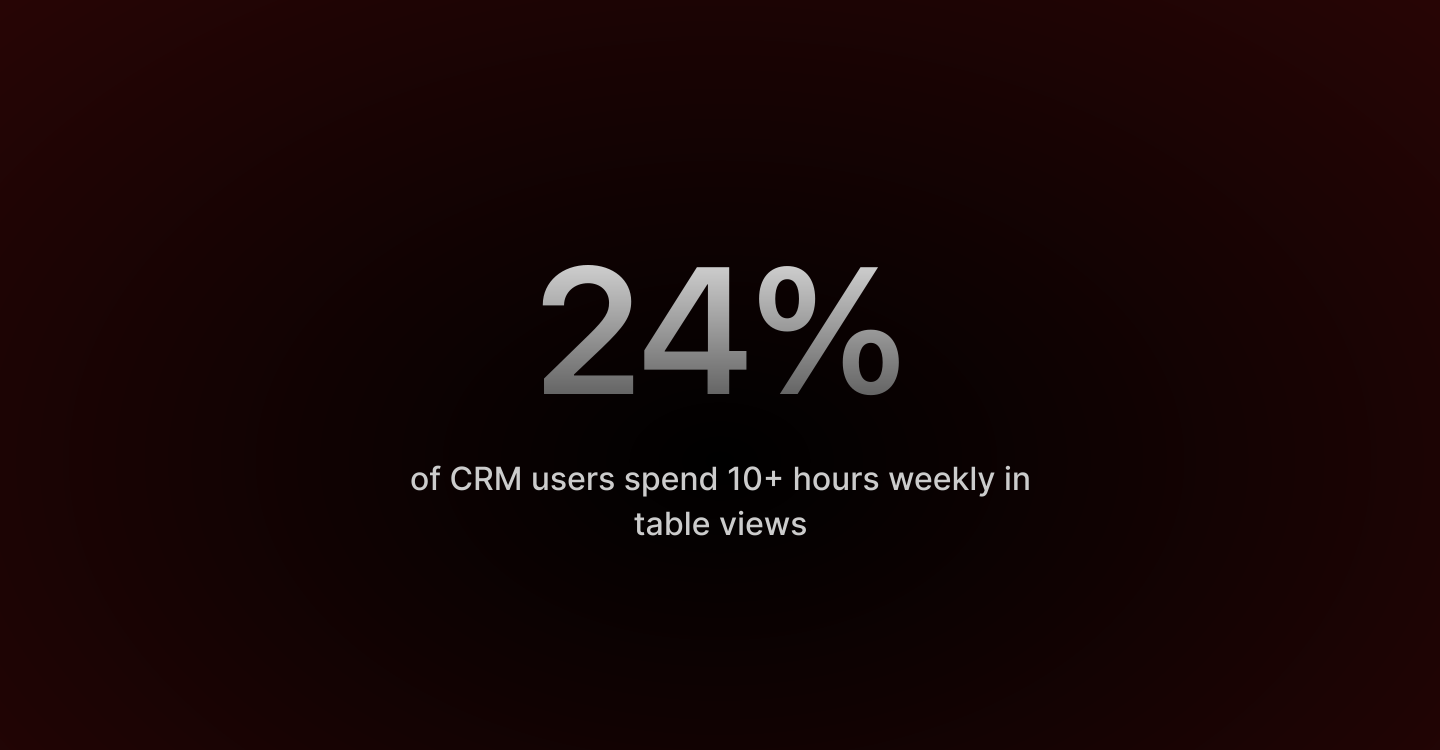
This project started with a simple observation: CRM users spend an enormous amount of time in table views. Research showed that 33% spend 3-5 hours per week there, with another 24% spending 10+ hours weekly. Yet most data tables are designed as technical components, not as workspaces where people spend entire days.
The brief was to design a data table for a CRM system managing thousands of user records. But the real challenge wasn't technical — it was understanding what happens when filtering, bulk editing, and view customization become your daily routine, not occasional tasks.
Problem
Basic column filters work for simple queries. But real work requires combinations: "Users with loans AND crypto assets" or "Korea OR Japan with summary > $10,000." Most tables force you to export to Excel for anything complex.
Spend 10 minutes setting up your view: resize columns, hide fields, build filters. Switch browsers. It's all gone. No way to save it or share it with your team.
Select 50 rows. Change status to "Approved." Which ones changed? Can you undo it? No feedback, no confirmation. When one mistake corrupts 100 records, people click through one by one instead. 27% of salespeople spend over an hour daily on data entry like this.
94% of business spreadsheets contain errors. $4,300 per worker per year fixing them. When tables can't handle queries, people export to Excel. The workaround becomes the problem.

Solution
A data table interface built around how teams actually work — nested filters, saved presets, and clear visual feedback.
Visual filter builder with AND/OR logic eliminates Excel exports for complex queries. Saved presets persist across devices and share with teams. Inline editing with validation targets the 59% of errors from manual entry. Multi-row selection with clear confirmation prevents accidental bulk operations.
For users spending 3-10 hours weekly in tables, streamlining these core workflows saves 20-40 hours annually per user.

Advanced Filters
Most tables offer basic column filters. This supports nested conditions with AND/OR logic. Build queries like "Summary > $10,000 AND (Status = Pending OR Status = In review)" visually.
Users can add unlimited rules, nest conditions at any level, and combine operators freely. What previously required Excel exports now happens in-app with instant results.

Filter Presets
Save commonly-used filters for quick access. Share presets organization-wide. "High value leads," "Overdue accounts," "My team only" — one click.
Eliminates 5-10 minutes of daily filter setup. 20-40 hours saved annually per user.

Column Management
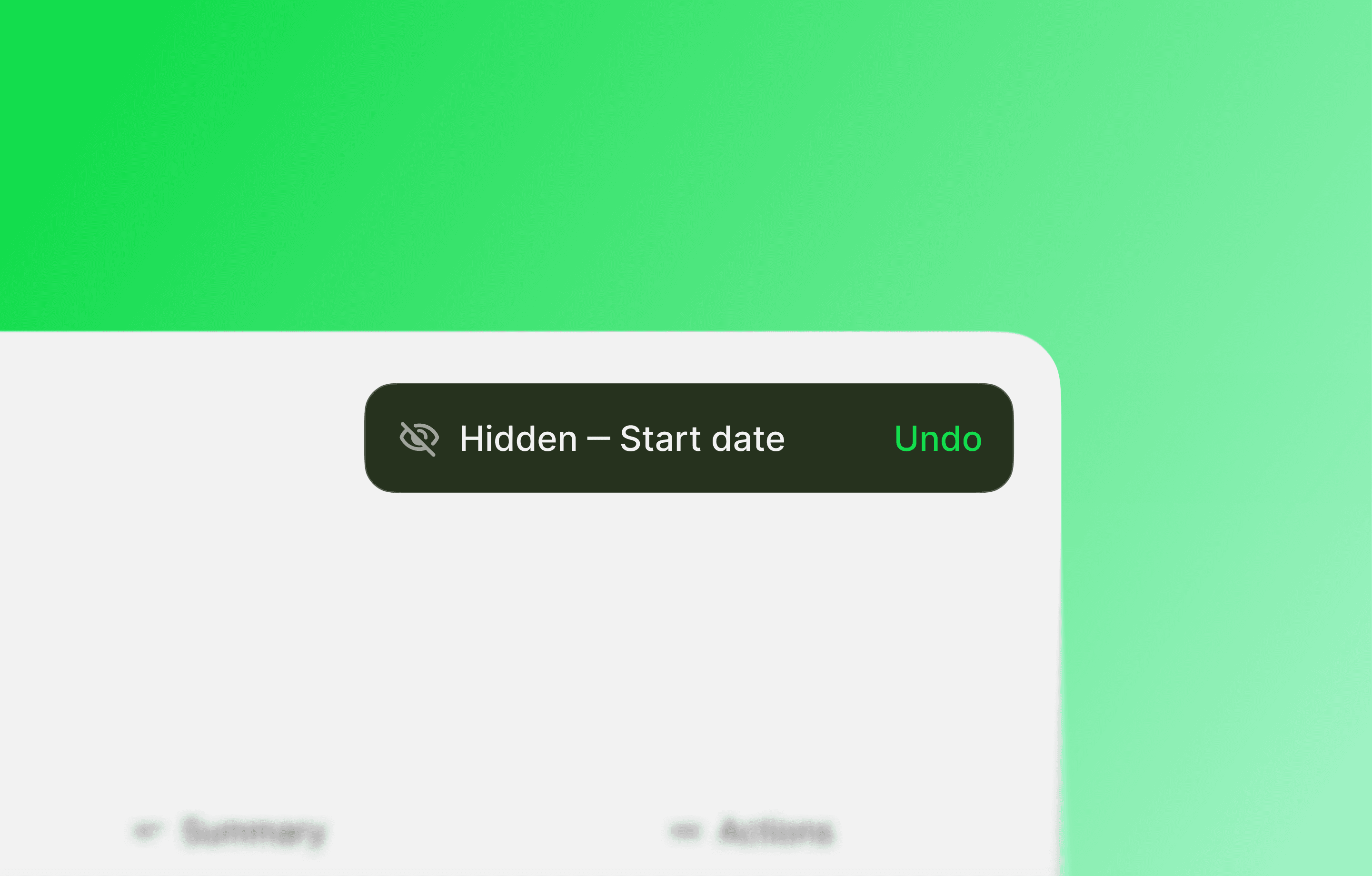
Show/hide columns, reorder via drag-and-drop, adjust widths. Settings persist across sessions and devices.
Prevents the "lost configuration" problem where users rebuild views from scratch every day.
Inline Editing
Double-click to edit in place. Clear focus states show what's editable. Tab between cells for rapid entry.
Visual validation catches mistakes before saving, reducing the 18-40% manual entry error rate.

Bulk Selection
Select multiple rows across pages. Shift-click for ranges. Clear count indicator shows what's selected.
Confirmation dialogs before destructive operations prevent accidental bulk changes.


Detail Views
Click any row to open full details with charts and metrics. Navigate between records with arrow controls.
Reduces mode-switching between list and detail views for the common "scan → investigate → decide" workflow.

Summary
Nested filtering, saved presets, and bulk actions make common workflows faster. The design prioritizes clarity — users see what's filterable, editable, and selected at all times.
Complex filtering eliminates Excel exports. Saved presets save 20-40 hours annually per user. Clear selection states prevent errors. Persistent settings solve the "lost configuration" problem.

Takeaways
Progressive disclosure keeps interfaces clean. Advanced features hide behind simple entry points. The surface stays uncluttered while power users access deep functionality when needed.
Saved presets create shared vocabulary. "High value leads" becomes an organization-wide definition, ensuring consistent data views across roles.
Visual feedback prevents errors. Hover states, selection highlights, and edit indicators make interactions predictable. This targets the 59% of errors from manual data entry.
Keyboard workflows matter. Tab navigation and shortcuts acknowledge that frequent users develop muscle memory. When spending 10+ hours weekly in tables, mouse-only interactions create friction.